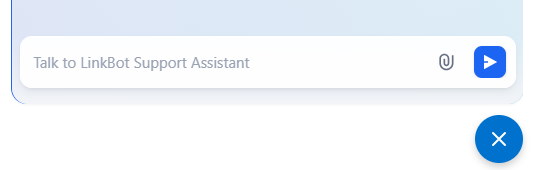


Meet the LinkBot Support Assistant! Our Support Assistant is here to assist you with general networking questions and provide clear, friendly support for installation, troubleshooting, and various network configurations. For the best assistance, please let us know your device’s model number.
The LinkBot Support Assistant can help you in most languages. Start chatting now and get instant answers to your questions.
1. Go to the Linksys Network Switches Support website.
2. In the bottom right corner of the page, click on the LinkBot Support Assistant icon to initiate a chat session.
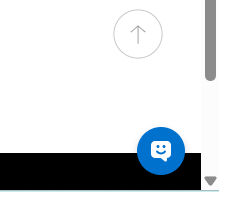
This will open a chat window where you can begin your conversation.
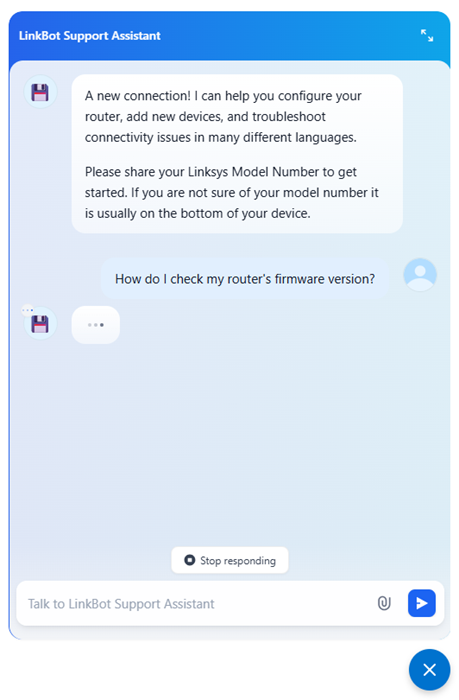
3. If you want to start a new chat, click on the refresh icon.
NOTE: The Refresh icon only appears when a conversation has begun.

4. To end the chat, simply click on the x icon.