



Some modems have routing capabilities that would allow you to share Internet connection between your computers. Install a switch to the modem to be able to connect Ethernet-based devices and share a single Internet connection. This article will guide you on how to check if the cable modem is properly connected to the switch.
NOTE: Contact your Internet Service Provider to know if your DSL or Cable modem has router capability.
There are two things you need to do in order to check if the Linksys switch is working properly when connected to the modem:
Connecting the Hub or Switch to the Modem
Checking the LEDs
Follow the simple steps below:
Connecting the Hub or Switch to the Modem
1. Connect an Ethernet cable to the Ethernet port on the Broadband modem and connect the other end to one of the available numbered ports on the switch.
2. Make sure the power adapter is plugged into a power outlet.
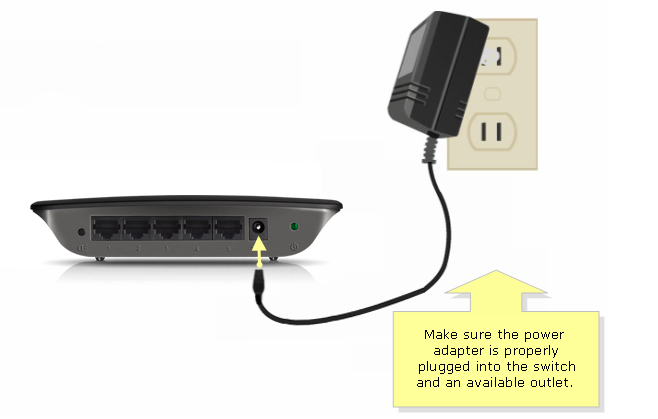
The Linksys hub or switch’s front panel will indicate the status of the connection.
NOTE: Some Ethernet switches have the LEDs placed at the back panel.
5905


